

If you’re a non-coder hunting for a game creator website, you’re usually not asking for “more features.” You’re asking for momentum. A playable build. Something you can send to a friend with one line: “Try this.”
That’s where YouWare and GDevelop split into two very different philosophies.
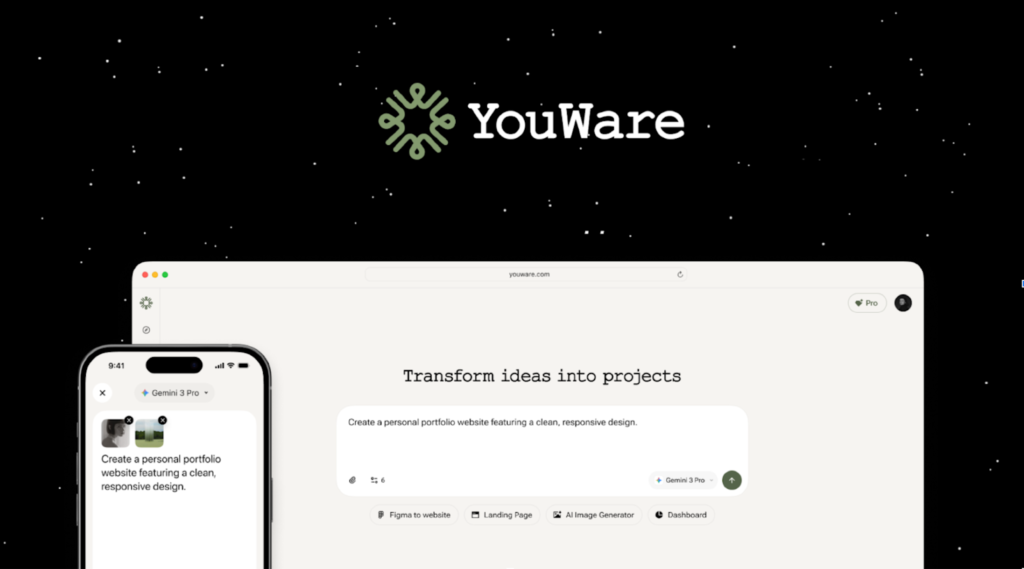
YouWare comes at the problem from the other end. It treats your game like a description first: you explain the genre, the core loop, the controls, the win/lose conditions, the menus. It generates a playable project, then you refine it and publish a link. Less “learn the editor,” more “ship the demo.”
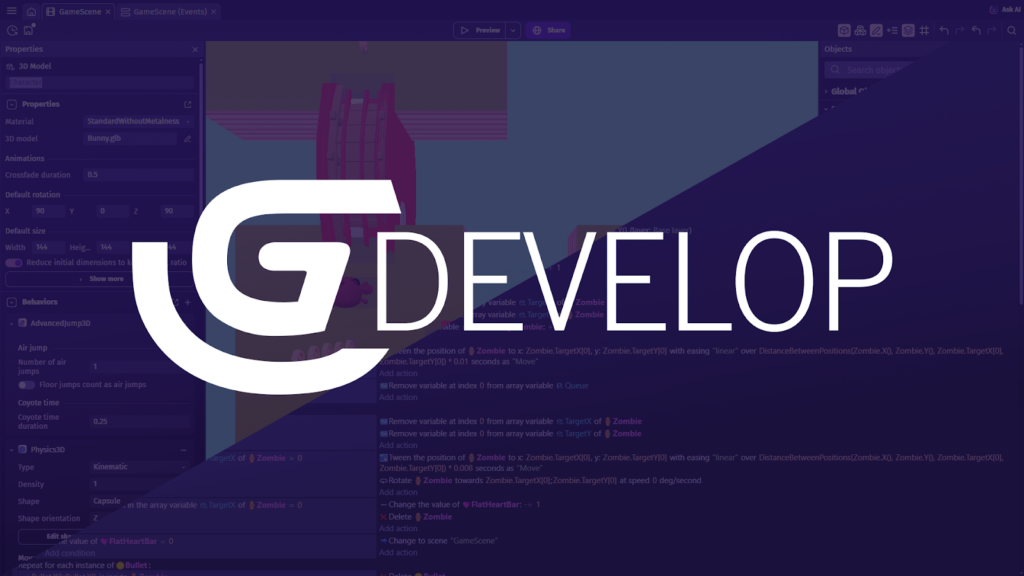
GDevelop feels like a classic engine—only friendlier. You build logic with events (conditions and actions), you preview, you tweak, you export. It’s structured, deliberate, and surprisingly powerful once the “engine thinking” clicks.
So which one is the better game creator without coding? Depends on what you want to feel at the end of the day: control, or speed.
The 1-minute verdict (pick based on your real goal)
Pick YouWare if you want the shortest path from idea to a shareable build. Prompt → playable → quick polish → link you can send around. If your game might need accounts, saved progress, inventories, or leaderboards later, YouWare also gives you an upgrade path through YouBase (auth, database, storage, secrets, logs—backend essentials without the usual setup pain).
Pick GDevelop if you want an engine workflow without writing code. Events-driven logic, templates, a familiar build/preview/export loop, and a tool that can grow with you—especially for 2D games.
If you’re searching “game builder free,” both can be started without paying. The “cost” shows up somewhere else. With YouWare, the price is clarity: vague prompts create vague games. With GDevelop, the price is onboarding: you need to learn how the engine wants you to think.
Two workflows, two mindsets
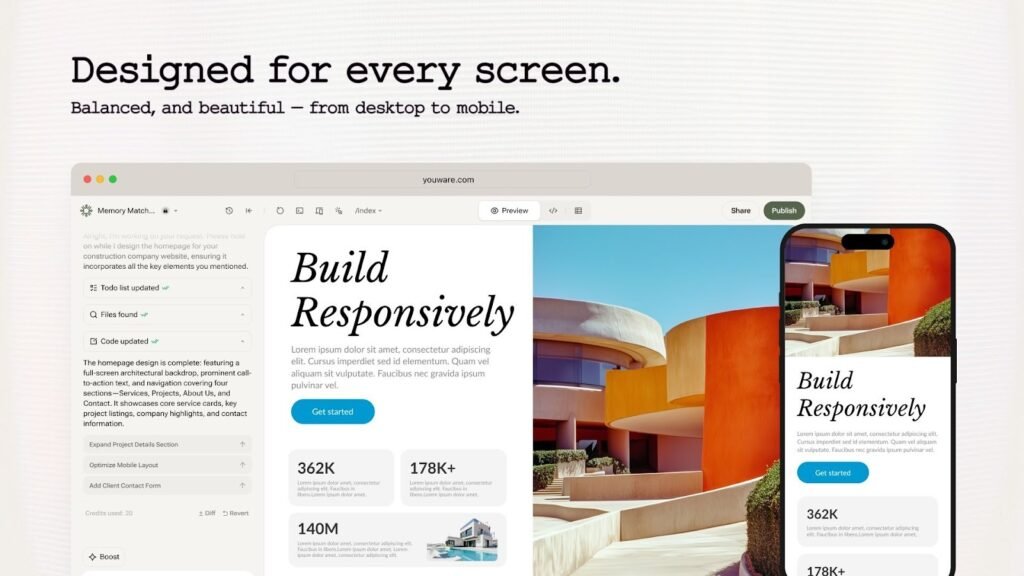
YouWare’s workflow is built for people who hate setup and love results. You describe your game in natural language and let the system produce something playable. Then you iterate in a way that feels closer to editing a product than debugging an engine.
A typical YouWare loop looks like this:
- You write a prompt that names the core mechanic, controls, states (menu, pause, game over), and basic rules.
- You generate a playable build.
- You adjust UI and flow with on-canvas edits—labels, layout, menus, HUD.
- You polish quickly when the game works but looks rough.
- You publish and share a link.
The little details matter here. YouWare puts emphasis on iteration safety—fixing issues quickly, rolling back when something goes off track, and making experimentation feel less risky. In practice, that’s what keeps non-coders building instead of quitting.
It also helps that YouWare doesn’t treat “sharing” as an afterthought. If your goal is a demo people can play right away, a shareable link beats a file export every time. You don’t need to explain anything. People just tap and play.
GDevelop: engine-style, events-driven
GDevelop feels like a traditional game toolchain, just more approachable. You often start from a template, then build behavior using events: “If this happens, do that.” It’s logical and explicit, which is why a lot of educators and hobbyists like it.
The GDevelop loop tends to look like this:
- Start from a blank project or template.
- Build game logic with events (conditions → actions).
- Preview constantly.
- Fix logic issues and edge cases.
- Export or publish depending on platform targets.
This approach gives you a clearer mental model of what the game is doing. You can point to a rule and say, “That’s where the score updates,” or “That’s the collision logic.” For some creators, that’s comforting. For others, it’s the moment they realize they’ve accidentally signed up for “debugging,” just in visual form.
What non-coders actually feel (the real face-off)
Starting speed: zero setup vs learning the engine
If you want to move immediately, YouWare wins. You can describe the game you want and get a first playable build without learning a new editor philosophy.
GDevelop still starts relatively fast—especially with templates—but you’ll spend time learning how to express ideas as events. That’s not “hard,” exactly. It’s just a different muscle. Some people love it. Some people bounce off it.
Here’s a blunt question that helps: do you want to learn a tool, or do you want to get a demo?

Iteration: prompt tweaks vs event debugging
YouWare iteration feels like steering. You adjust the prompt, make visual edits, reshape the flow, polish the presentation. It’s quick to change direction, which is perfect for prototypes and game jam energy.
GDevelop iteration feels like engineering. You adjust event logic, test behaviors, chase bugs, refine edge cases. It’s rewarding when you enjoy logic. It can also be slower when you’re new and you’re not sure which rule caused the problem.
Neither is “better.” They’re just different kinds of effort.
Visual polish: fast lift vs hands-on craft
Most non-coders hit the same wall: the game works, but it looks like a prototype. That’s the moment where polish matters—because a playable prototype with rough UI can still feel “unfinished” to anyone who tries it.
YouWare tends to help here. You can make a game look more presentable quickly, without hand-tuning every asset and layout choice. That’s a big deal if your goal is to share externally. People judge games harshly in the first ten seconds.
GDevelop can absolutely produce polished visuals, but you usually earn that polish manually—assets, UI layout, styling choices, scene composition. If you enjoy that craft, great. If you’re trying to ship fast, you’ll feel the time cost.
Reliability: safety nets vs classic toolchain reality
Game creation involves friction. Charts don’t load, states don’t trigger, the “restart” button breaks, the scoring logic doubles. It happens.
YouWare leans into reducing that friction through fast fixes and rollback-style safety. That can keep you moving when you’re on a deadline.
GDevelop follows the classic engine path: you debug, you test, you iterate. It’s stable and well-documented, but it doesn’t try to shield you from “engine reality.” For some creators, that’s fine. For others, it’s exhausting.
Backend and “real product” features
This is where the two tools diverge the most, and it’s also where many small games unexpectedly end up.
At some point someone asks:
- Can players save progress?
- Can we add accounts?
- Can we store inventory?
- Can we show a leaderboard?
- Can we protect admin tools?
If you’ve ever built a “simple game” that turned into a “small product,” you know the feeling. It starts cute. Then it grows teeth.
YouWare + YouBase tells a clean story here: if your game needs auth, data storage, and secure secrets, you add backend modules without rebuilding your whole workflow. That’s a real advantage for non-coders who want the “product layer” without becoming backend engineers.
GDevelop can still support these needs, but you’ll typically handle them through external services, extensions, or custom integrations. That’s workable. It’s also more moving parts.
So if your reader wants “a game with real user accounts,” YouWare tends to offer the simpler path.
A practical way to choose (no spreadsheets required)
Choose YouWare if:
- You want a playable prototype fast and you care about sharing it as a link.
- You’re building for demos, feedback, or quick iteration.
- You want to polish quickly because presentation matters.
- You suspect the game might need product features later (accounts, saves, leaderboards).
Choose GDevelop if:
- You like structured building and want engine-style control without writing code.
- You enjoy expressing rules explicitly through events.
- You want a traditional preview/export workflow with an engine mindset.
- You’re building a 2D game and want a tool that can scale with deeper logic.
And here’s my honest take: if you’re a non-coder, “best” often means “the tool that keeps you building.” For a lot of people, that’s YouWare—because it turns momentum into a feature. You can get something playable, make it look decent, and share it before the excitement fades. That’s not a small thing.
Bottom line
If your goal is a game creator website experience where you can generate a playable demo, polish it quickly, and share it without friction, YouWare is the more direct route. It’s built for prompt-to-playable speed, and it leaves you a clean path to real product features through YouBase when your game grows up.
If your goal is deeper engine-style control with a no-code logic system, GDevelop is a strong fit. It rewards people who enjoy structured building and don’t mind learning how the engine thinks.
So… which one do you want today: a tool that helps you learn game creation, or a tool that helps you ship a game people can play right now?

Ethan Cole is a passionate blogger at Aldalive.com, sharing fresh ideas and engaging content on lifestyle, technology, and everyday trends. With a love for writing and exploring new topics, Ethan aims to make information simple, useful, and inspiring for readers worldwide.